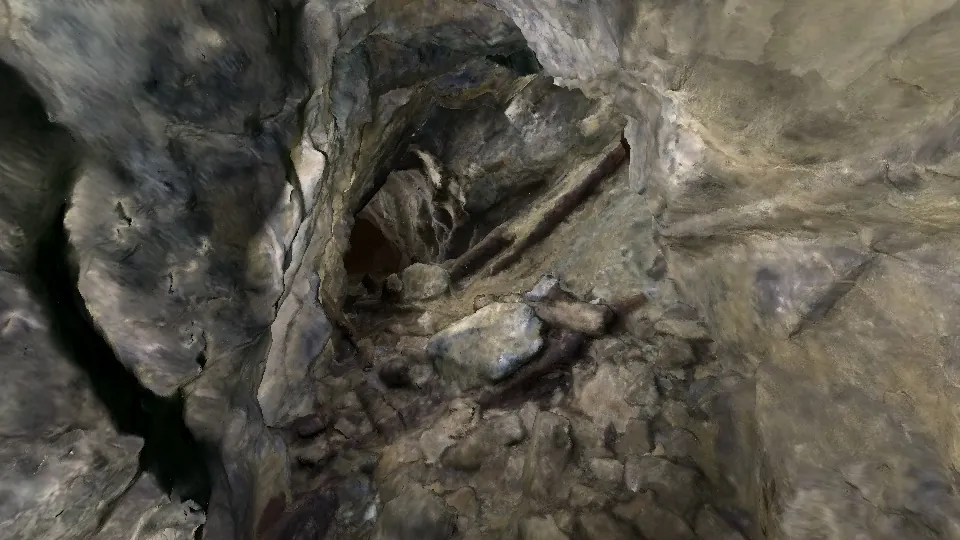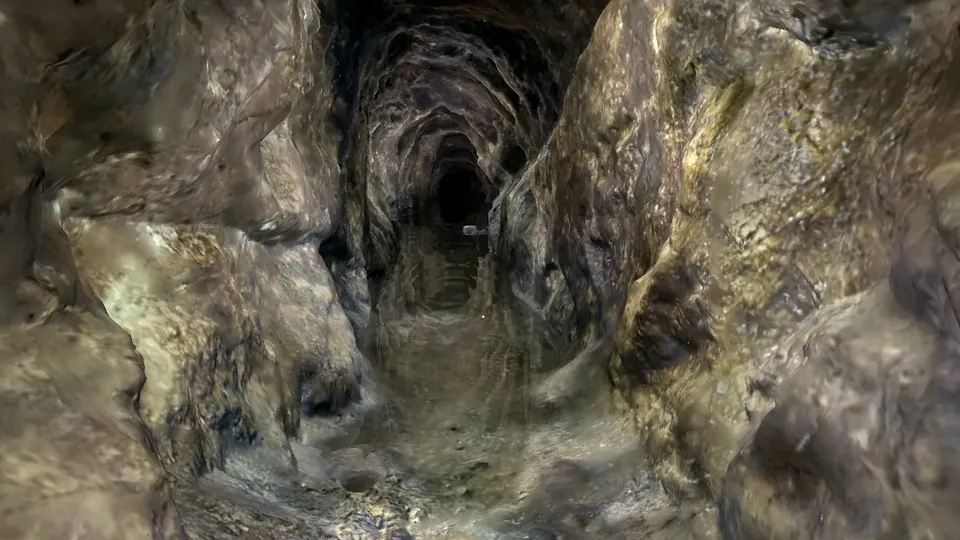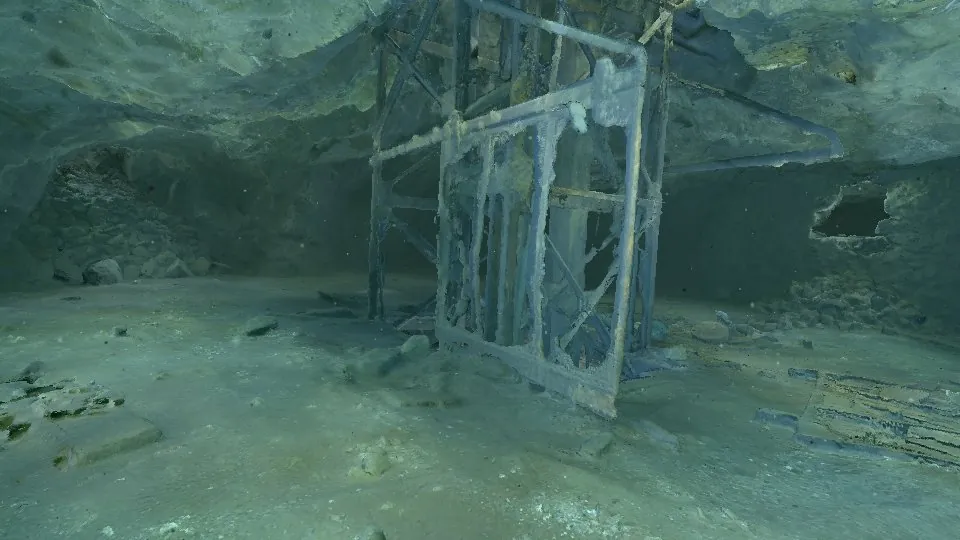
COMPARISON
How to share a 3D cave or mine scan
Months of diving produce a scan that can hold tens of millions of triangles. What happens next decides who ever sees it. There are four realistic ways to present it: rendered images and video, a standalone Unreal Engine app, CaveViewer on a laptop, or Submerged Viewer in a browser. None of them wins everywhere. Here is how they compare, and which to use for which audience.
THE SHORT ANSWER
Pick by audience and by connection.
- Rendered images and video when you need the best-looking result and the widest reach, and exploring is not the point.
- A standalone Unreal app when you control the computer, as in a museum or VR installation, and visual quality justifies weeks of work.
- CaveViewer when the scan has to work offline, on an expedition laptop at a remote dive site or within the team.
- Submerged Viewer when people who will never install anything should explore the full scan from a link, on a laptop or a phone.
Most projects end up using more than one. See how they fit together.
AT A GLANCE
The four options side by side.
| Rendered images and video | Standalone Unreal app | CaveViewer | Submerged Viewer | |
|---|---|---|---|---|
| What it is | Still images and fly-through videos rendered from the scan | A packaged real-time application built in Unreal Engine | A free, open-source desktop app for very large cave scans | A browser archive that streams scans from a server |
| Who can open it | Anyone, on any screen | People willing to download and install it on a suitable PC | Anyone who installs it on Windows, macOS or Linux | Anyone with the link, on a laptop, tablet or phone |
| Install needed | No | Yes, usually a download of several gigabytes | Yes | No |
| Works offline | Yes, once downloaded | Yes | Yes, it is built for it | No, it needs a connection |
| Explore freely | No, only the views you chose | Yes, and it can add guided tours or VR | Yes, and it records routes others can follow | Yes, first-person flight by mouse, keyboard or touch |
| Full scan detail | Only inside the frames you render | Possible with Nanite, at a larger package size | Yes, streamed in sections from the local disk | Yes, streamed on demand, up to about 100 million triangles |
| Visual quality | Highest: offline lighting, grading, depth of field | Excellent: real-time lighting, shadows, water effects | The scan’s own photographed textures | The scan’s own textures, with owner-set water fog, particles and colour grading |
| Hardware to view | Anything that plays video | A gaming-class graphics card, usually on Windows | Ordinary laptops; 16 GB of RAM suggested, integrated graphics supported | Ordinary laptops and phones; no dedicated graphics card |
| How you share it | Upload to YouTube, social media, a website or a slide deck | Send a download, or install it on the machine yourself | Hand over the OBJ or GLB files with their textures | Send a link: public, link-only or private |
| Time to first view | Instant | After download and install | After copying the files and importing the scan | One to two seconds after the link opens |
| Effort to produce | Lighting, camera paths and render time for every shot | Weeks of engine work: import, materials, lighting, packaging, testing | Low: open your textured OBJ or GLB | Low: upload an FBX or OBJ ZIP; conversion runs automatically |
| After you reprocess the scan | Re-render every affected shot | Rebuild the project and redistribute the package | Send the new files to everyone again | Upload the new version; nobody holds an outdated copy |
| Cost | Free tools such as Blender; your time and render hardware | Engine free to start, under Epic’s licence terms; developer time | Free, open source (AGPL) | Free Community tier; Pro and Institution on request |
Time to first view for Submerged Viewer was measured on its live site, cold, for three published scans. CaveViewer details come from its own documentation, which suggests 16 GB of RAM and up to 256 GB of free disk when working with large source maps.
EACH OPTION
What each one is good at, and where it stops.
Rendered images and video
The most polished result and the widest reach, but the viewer only ever sees what you chose to show.
Best for
- Social media, press and conference talks
- Grant applications and reports
- A trailer that makes people want to open the real scan
Watch out for
- No exploring: every viewpoint is decided in advance
- Each shot costs lighting, camera and render time
- A reprocessed scan means re-rendering
Standalone Unreal app
The best-looking interactive option, for a controlled machine and an audience that will install software.
Best for
- Museum installations and kiosks with a strong PC
- VR experiences
- Guided, cinematic tours with real-time lighting
Watch out for
- Weeks of specialist engine work per scan
- Multi-gigabyte downloads and a capable graphics card
- Every update is a rebuild and a redistribution
CaveViewer
Free desktop software from Brian Deatherage and Zsolt Szabo, made by cave divers for exploring very large scans on ordinary computers, with or without internet.
Best for
- Expedition laptops at remote dive sites with no signal
- Team members working with the full scan offline
- Recording a route as video, or a path someone else can follow
Watch out for
- Everyone needs the app and a copy of the scan files
- Large scans mean large file transfers and plenty of disk
- Updates reach people only when you send new files
Submerged Viewer
The full scan in a browser tab from a single link, for everyone who will never dive the site or install anything.
Best for
- Funders, heritage officers, journalists and the public
- Divers’ families and supporters
- Courses, where everyone opens the same scan on their own device
Watch out for
- Needs an internet connection
- Shows the scan’s own textures; it does not relight it like a game engine
- Converting a large scan takes time after upload
WHICH ONE WHEN
Match the tool to the situation.
| You need | Use | Why |
|---|---|---|
| A clip for social media, a talk or a grant application | Rendered images and video | Nothing else looks as good or plays everywhere. |
| A laptop at a remote dive site with no signal | CaveViewer | It runs offline from local files on ordinary hardware. |
| Your team reviewing the full scan while planning the next dive | CaveViewer | Full detail, no connection needed, routes others can follow. |
| A museum installation or VR experience | Standalone Unreal app | You control the machine, so you can spend on visual quality. |
| Funders, officials, press or the public | Submerged Viewer | One link opens the full scan with nothing to install. |
| Families and supporters of the dive team | Submerged Viewer | It works on the phone they already have. |
| A course where every student opens the same scan | Submerged Viewer | Nobody has to download or copy a large scan. |
USE THEM TOGETHER
One scan, four jobs.
At the dive site
Load the scan into CaveViewer on the expedition laptop. The team can check coverage and plan the next dive without a signal.
For the team and partners
Keep working in CaveViewer offline, and record routes as video to show others exactly where a passage goes.
For everyone else
Upload the same textured export to Submerged Viewer and send one link to funders, officials, press, families and students. It opens on whatever they already have.
For attention
Render a short trailer from the scan for social media and talks, and point it at the Submerged Viewer link so viewers can go and explore the real thing.
For an exhibition
If a museum wants a showpiece, that is when an Unreal build on a dedicated machine earns its cost.
Renders make people want to see the cave. The viewers let them actually go in.
QUESTIONS
Frequently asked.
- What is the best way to share a 3D cave scan?
- It depends on who is looking and where. Rendered video reaches the most people but cannot be explored. A browser viewer such as Submerged Viewer lets anyone explore the full scan from a link. CaveViewer is the right tool when the scan must work offline. An Unreal app gives the best interactive visuals on a machine you control.
- Can people explore a 3D cave scan without installing anything?
- Yes. Submerged Viewer streams the scan into a normal browser tab, on laptops and phones, and the first geometry appears one to two seconds after the link opens. Rendered images and video need no install either, but they cannot be explored.
- How can I view a very large cave scan offline?
- Use CaveViewer. It is free, open-source desktop software for Windows, macOS and Linux that opens textured OBJ or GLB scans and loads nearby sections as you move, so large scans run on ordinary laptops without a connection.
- Is Unreal Engine worth it for a cave scan?
- When visual quality matters most and you control the computer it runs on, as in a museum installation or VR. Expect weeks of engine work, a multi-gigabyte package and a capable graphics card, and a rebuild whenever the scan changes.
- Can I use CaveViewer and Submerged Viewer together?
- Yes, and they complement each other. Both start from the same textured OBJ export: CaveViewer for offline work at the site and within the team, Submerged Viewer for sharing the scan with everyone else through a link.
- Do visitors download my scan in Submerged Viewer?
- Visitors receive only the pieces of the scan they are looking at, not a ready-to-use model file, and you can keep a scan public, link-only or private. As with anything shown in a browser, what appears on screen can in principle be captured.
- How much does it cost to present a 3D cave scan?
- The software can all be free: Blender for renders, CaveViewer for offline viewing, Unreal Engine to start, and the Submerged Viewer Community tier for sharing a link. The real cost is time. Renders take hours per shot, an Unreal app takes weeks of specialist work, while CaveViewer and Submerged Viewer take little more than exporting the scan.
- Does Submerged Viewer work without internet?
- No. It streams from a server, so it needs a connection. Offline packages for exhibitions and kiosks are available on request; for offline work in the field, CaveViewer is the better fit.
This page is written by the Submerged Foundation, which publishes Submerged Viewer. For how the streaming works, read how to stream a 3D model with 100 million triangles.
TRY THE BROWSER OPTION
Open a full scan
from a single link.
KEEP READING